Day with AIMarch 31, 2026· 6 min read
Day with AI: 24 Commits, New Profiles, AI Filters, and the Whole Platform Looks Like a Million-Dollar Product.
Monday marathon — client platform got new profiles, AI data processing, match quality filters, search redesign and improved UX. 24 commits, 8 sessions.
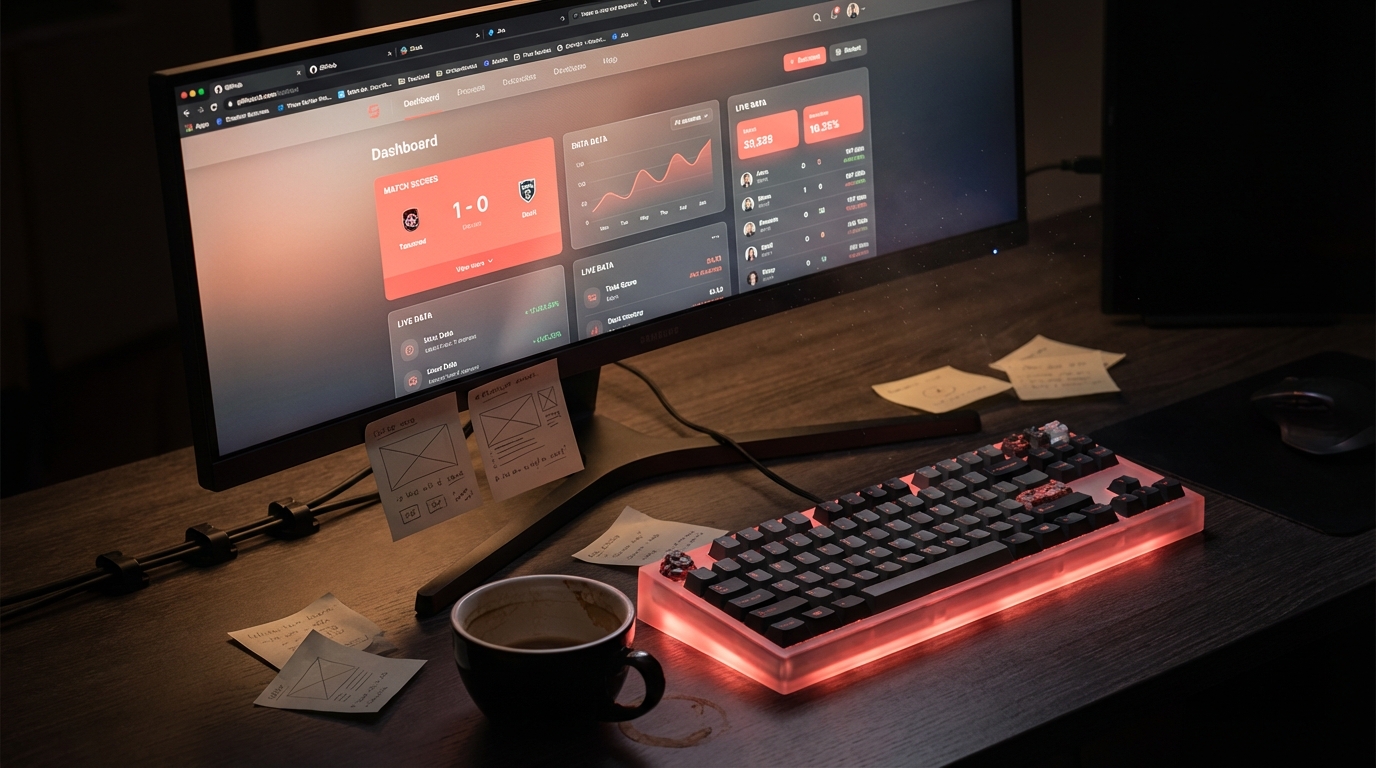
What I worked on
Monday. Client project — AI matchmaking platform. Yesterday was the visual redesign, today I went after UX and functionality. Goal: make it not just look good, but work like a product people can actually navigate.
What I did
Profiles — new layout and extensionsCompletely rebuilt user profile:
- New clean layout with card-based sections
- Extended profile information — new data inputs
- AI processing of user data — automatic extraction of relevant information
- Visual improvements and new controls
Entire page rebuilt from scratch:
- New layout with filtering and sidebar navigation
- AI-powered match quality filter — users set their threshold and only see what makes sense
- Quality indicators directly on results
- Reworked actions and statuses across the platform
- Result display limits — cleaner and more organized
- Better messaging and section naming
- Automatic document generation directly in platform
- Test mode for client presentations
- Pagination and visual polish
Time: AI vs without AI
| Task | Without AI | With AI |
|---|
| New profile layout + data extensions | 3-4 days | ~3h |
|---|---|---|
| AI processing of user inputs | 2 days | ~30min |
| Search redesign + filters | 2-3 days | ~2h |
| AI quality filter + visual indicators | 1-2 days | ~1.5h |
| UX actions + statuses | 1 day | ~1h |
| Documents, demo mode, polish | 2 days | ~2h |
| Fix/refactor/cleanup | 1-2 days | ~1h |
| Total | ~40 hours | ~11h |
What I learned
- AI extraction of structured data from free text is surprisingly accurate — no need to build complex systems manually
- Filters for AI match quality are a killer UX pattern — users control what they want to see
- Familiar layouts from major platforms work better than custom inventions — zero learning curve
#den-s-ai#redesign#ux#ai#platforma
Interested in the article?
Let's discuss what this kind of automation can do in your company.
Free consultation